Stripe — Checkout preview with options
Functional Product UI · product UI flow
Source: pending · Classification: pending
Original principle diagram · Draft explanation
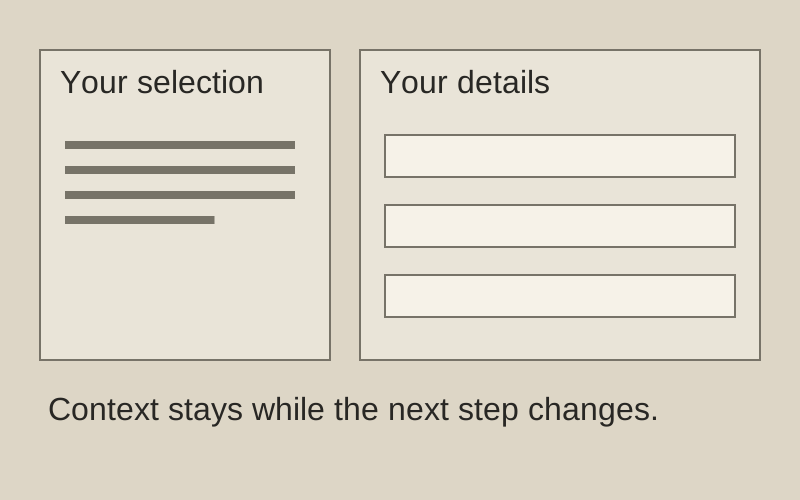
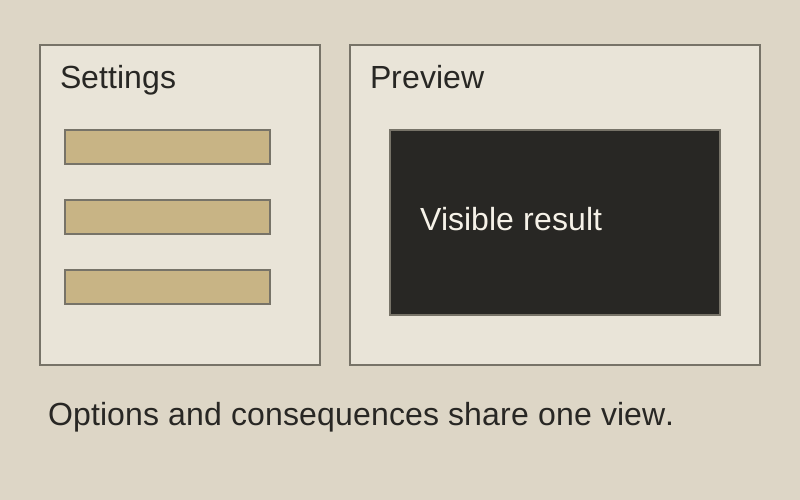
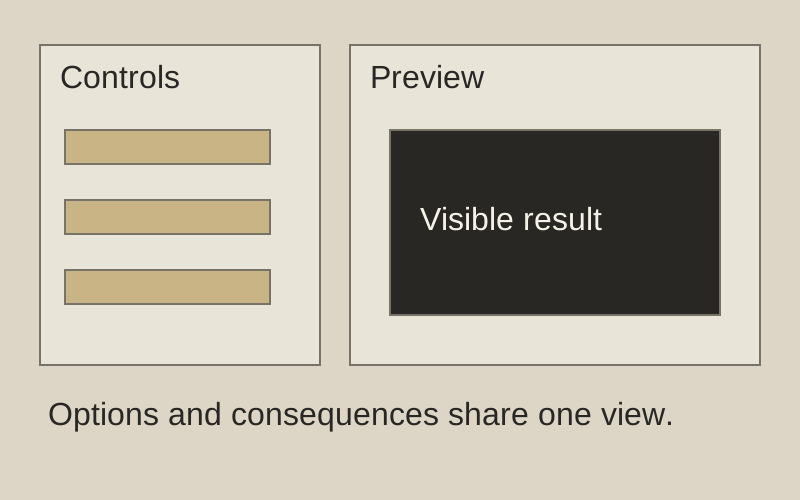
Change a control. See the consequence.
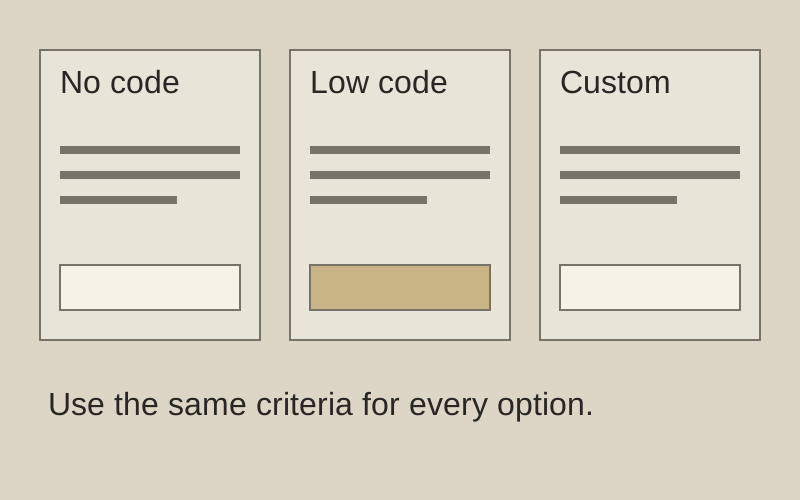
What to borrow: Keep configuration beside its live preview.
When to use this principle
- When it works
- Options whose effect can be shown immediately.
- When to avoid it
- Complex changes that need validation before a preview is accurate.
Original principle diagram — a model-drafted explanation, not a reconstruction of the source. Trova · AI-assisted illustration. Original Trova diagram.
- Steal · grid/layoutmodel draft
A narrow column of toggles grouped under headers (payment setup, customer details, advanced options) beside a browser-framed live checkout page.
- Steal · motion/interactionmodel draft
Each toggle (promotion codes, tax, shipping address) changes the preview at once. The configurator teaches the product by showing every option's effect.
- Steal · component patternmodel draft
The preview sits in a fake browser chrome with a desktop/mobile switch and a country picker below, so it reads as the page your customer will see.
Fonts: system-ui · Original: Stripe
private-reference-only
View original ↗Source & usage rights
Original: Stripe. Source verification: pending review.
Recorded rights label: private-reference-only. Original work and reproduction rights belong to their owners. A note license does not grant rights to copy a screenshot, trademark or design.
Trova notes: apply the principles in your own work, including commercial projects. Bulk republication or resale is not permitted. Usage terms.
Captured: 2026-10-10. Capture does not establish source verification.