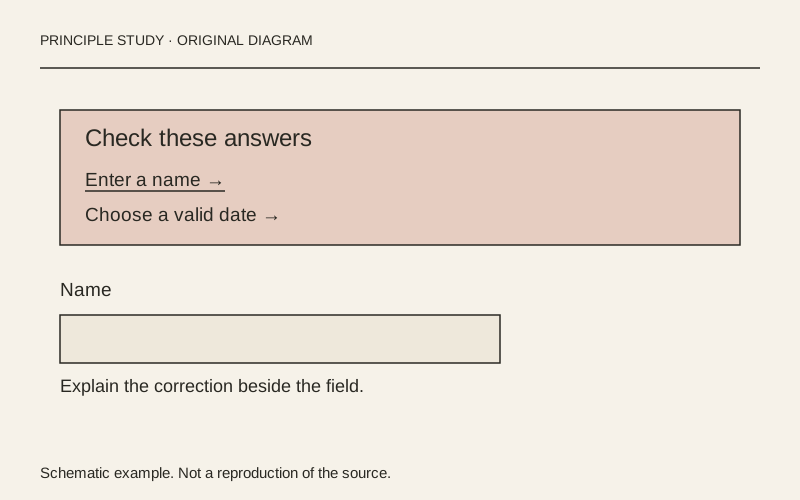
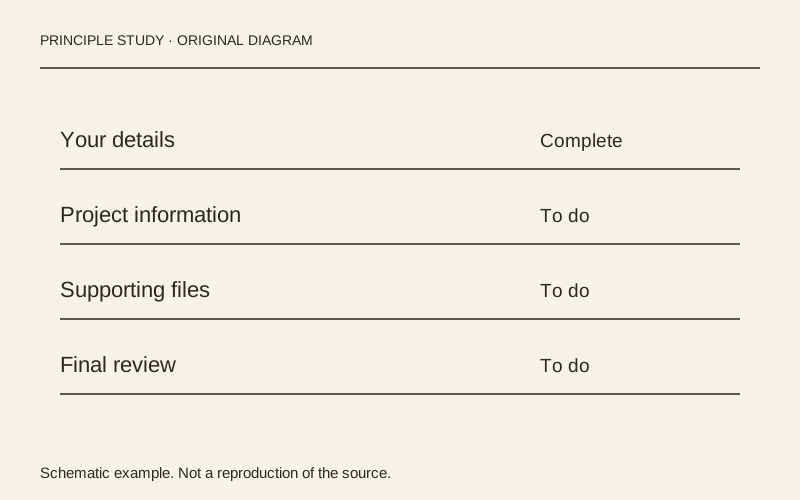
GOV.UK — check answers before submitting
Functional Product UI · product UI flow
Source: pending · Classification: pending
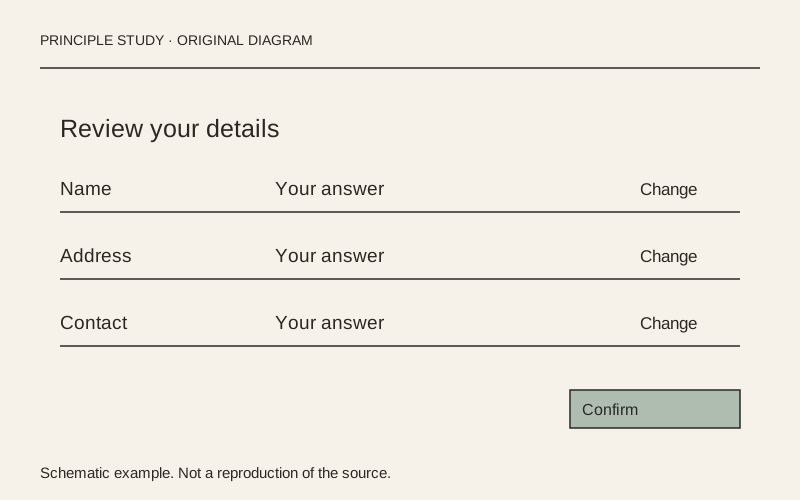
Original principle diagram · Draft explanation
Review the answer beside its correction.
What to borrow: Align each answer with a nearby change action, grouped into meaningful sections.
When to use this principle
- When it works
- Long forms where people need to check several answers before a final submission.
- When to avoid it
- Short, reversible tasks where another review screen adds unnecessary work.
Original teaching diagram with illustrative content; not a screenshot or reconstruction of the source. Trova · AI-assisted illustration. Original Trova diagram.
- Steal · grid/layoutmodel draft
The example groups personal and application details into separate summary lists. Each row places a label, its answer and a Change link on the same line; use this alignment to make corrections local to the answer.
- Steal · copywritingmodel draft
An unanswered optional field is shown as Not provided instead of an empty cell. State absence explicitly when people must distinguish skipped information from a rendering failure.
- Steal · component patternmodel draft
The final submission section follows the answer lists and explains the commitment before its button. Keep editing links visually subordinate to the one final submission action.
Fonts: GDS Transport · Original: GOV.UK Design System
private-reference-only
View original ↗Source & usage rights
Original: GOV.UK Design System. Source verification: pending review.
Recorded rights label: private-reference-only. Original work and reproduction rights belong to their owners. A note license does not grant rights to copy a screenshot, trademark or design.
Trova notes: apply the principles in your own work, including commercial projects. Bulk republication or resale is not permitted. Usage terms.
Captured: 2026-10-10. Capture does not establish source verification.