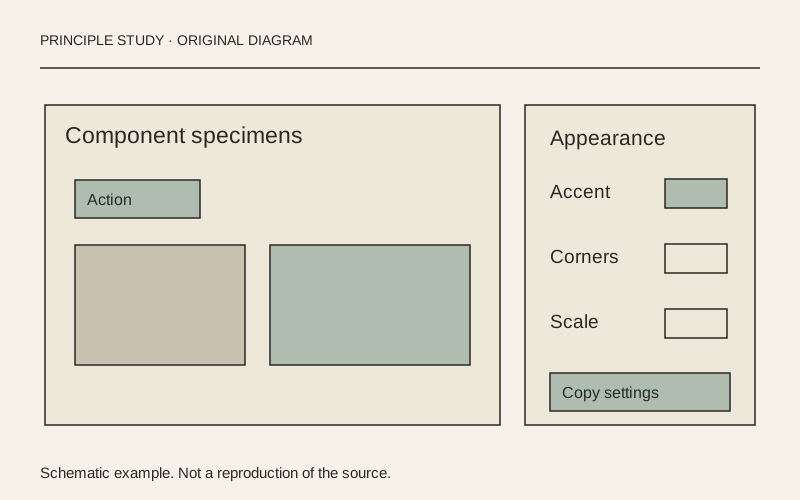
Excalidraw — export image dialog
Functional Product UI · product UI flow
Source: pending · Classification: pending
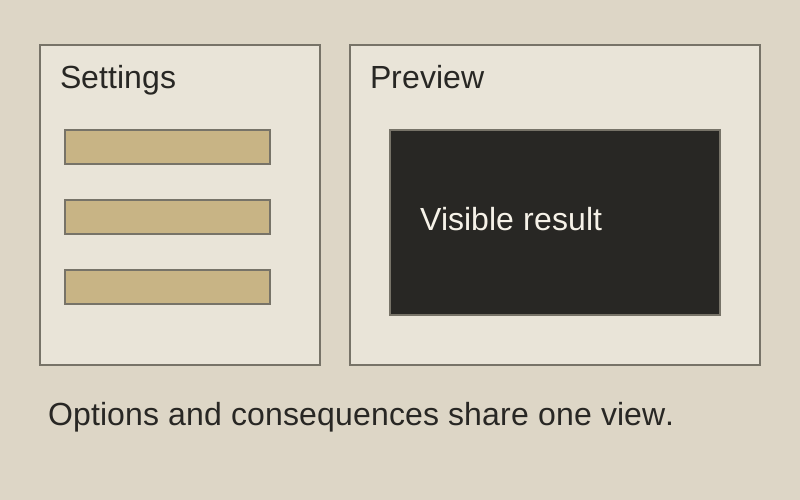
Original principle diagram · Draft explanation
Preview beside export choices.
What to borrow: Show export settings and a preview in the same decision space.
When to use this principle
- When it works
- A small set of visual output options.
- When to avoid it
- Presenting an inaccurate preview as a guarantee of the final file.
Original principle diagram — a model-drafted explanation, not a reconstruction of the source. Trova · AI-assisted illustration. Original Trova diagram.
- Steal · component patternmodel draft
Export is one modal: a checkerboard preview of the exact output on the left, three toggles on the right (background, dark mode, embed scene), then three destinations (PNG, SVG, clipboard) as equal buttons.
- Steal · grid/layoutmodel draft
The canvas dims behind the dialog but stays visible, so the export plainly reads as a copy of what was drawn, not a new place to work.
- Steal · motion/interactionmodel draft
Each toggle repaints the preview immediately (the checkerboard shows transparency once background is off), so no option needs explaining.
Fonts: Assistant · Original: Excalidraw
private-reference-only
View original ↗Source & usage rights
Original: Excalidraw. Source verification: pending review.
Recorded rights label: private-reference-only. Original work and reproduction rights belong to their owners. A note license does not grant rights to copy a screenshot, trademark or design.
Trova notes: apply the principles in your own work, including commercial projects. Bulk republication or resale is not permitted. Usage terms.
Captured: 2026-10-10. Capture does not establish source verification.